Running AI Without a GPU: What to Expect
Ollama runs perfectly well on CPU-only hardware, no dedicated graphics card needed, but expect responses roughly 5 to 10 times slower than on a capable GPU. For smaller models and occasional use, this is often a genuinely acceptable trade-off.
Reading is great. Tracking makes it stick. Sign up for a free Dashboard to tick off tasks and see your Security Score.
Get my free Dashboard →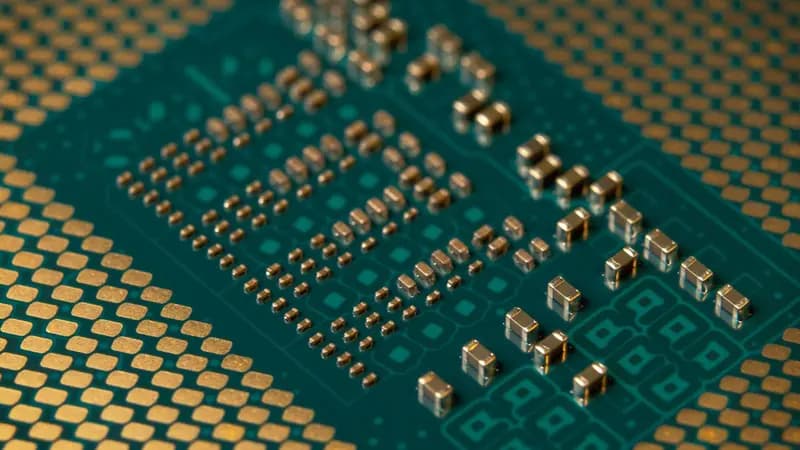
Cyber Nova AI helps you prepare for Cyber Essentials. It doesn't award or certify it. Follow the steps here to get ready, then apply for certification through an accredited Cyber Essentials body when you're set.
Why CPU-only is worth trying
Not everyone running a homelab has a spare GPU sitting around. Ollama and similar tools work fine on CPU alone, they are just slower. People sometimes assume CPU-only AI is barely usable and not worth trying. For smaller models and less time-sensitive tasks, it is genuinely practical, just not as fast as GPU inference.
What to actually expect
3 steps
RAM matters more than you might think
3 steps
Getting the most out of CPU-only hardware
3 steps
Frequently asked questions
Do I need a GPU to run Ollama at home?
No, it runs on CPU alone, just significantly slower.
Which models work best without a GPU?
Smaller models, a few billion parameters or fewer, stay reasonably usable. Larger models become impractically slow on CPU alone.
Is it worth buying a GPU just for this?
Depends on how you plan to use it. For occasional questions or background tasks, CPU-only is often genuinely sufficient.
Track your AI safety progress. Free.
Create a free account to tick off tasks, see your Security Score improve, and know exactly what you've done and what's still to do.
Start your free security check