Is It Safe to Use ChatGPT and Other AI Chatbots?
ChatGPT and similar AI chatbots are safe to use for most everyday tasks. The real risk is what you choose to type into them. Never share passwords, bank details, medical information, confidential work information, or anything else you would not want exposed. Check your account’s privacy settings: what happens to your data varies by service and by account type.
Reading is great. Tracking makes it stick. Sign up for a free Dashboard to tick off tasks and see your Security Score.
Get my free Dashboard →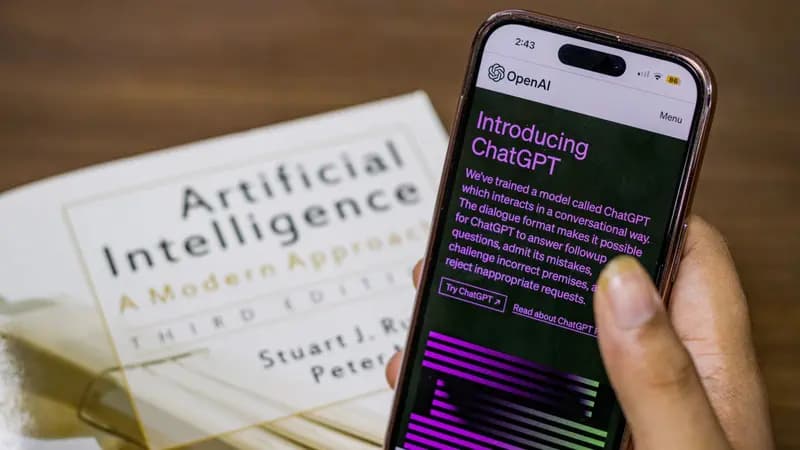
Cyber Nova AI helps you prepare for Cyber Essentials. It doesn't award or certify it. Follow the steps here to get ready, then apply for certification through an accredited Cyber Essentials body when you're set.
Why AI chatbots need a little care
AI chatbots like ChatGPT, Google Gemini and Microsoft Copilot are now part of daily life for millions of people in the UK. They are safe tools when used sensibly, but they are online services, not private conversations with no one else watching. Different AI services, and different account types within the same service, have different rules for storing and using your data. A personal ChatGPT account is not the same as a business one. Check the settings rather than assuming.
Never share these with AI
Treat an AI chatbot like a stranger you have just met. Never paste in:
7 steps
Using ChatGPT? Check these two settings
3 steps
Safe habits for using AI chatbots
Two more habits that keep you protected without giving up the convenience.
2 steps
AI can be confidently wrong
AI chatbots can sound completely certain while being completely wrong.
3 steps
How oversharing goes wrong
Handing an AI chatbot something sensitive feels harmless in the moment. Here is what actually happens next:
4 steps
How to protect yourself
3 steps
Frequently asked questions
Does ChatGPT save what I type?
ChatGPT can save your conversations, depending on your settings and account type. Personal accounts may use saved conversations to train future models unless you turn off "Improve the model for everyone" in Settings → Data Controls. Business and API accounts generally do not train on your data by default.
Is it safe to use ChatGPT for work?
Check your employer’s policy first. Many workplaces now have their own rules about AI tools. Client data and internal documents should never go into a personal AI account.
How do I spot a fake AI app?
Only use the official ChatGPT, Gemini or Copilot apps and websites. Avoid anything linked from an advert or a message, and be suspicious of any app asking for payment details for a free trial.
Track your AI safety progress. Free.
Create a free account to tick off tasks, see your Security Score improve, and know exactly what you've done and what's still to do.
Start your free security check