Understanding app permissions on Android
Every Android app must ask your permission before accessing sensitive features like your camera, microphone, location, or contacts. Understanding what these permissions mean (and which ones to grant) is one of the most effective ways to protect your privacy and security.
Reading is great. Tracking makes it stick. Sign up for a free Dashboard to tick off tasks and see your Security Score.
Get my free Dashboard →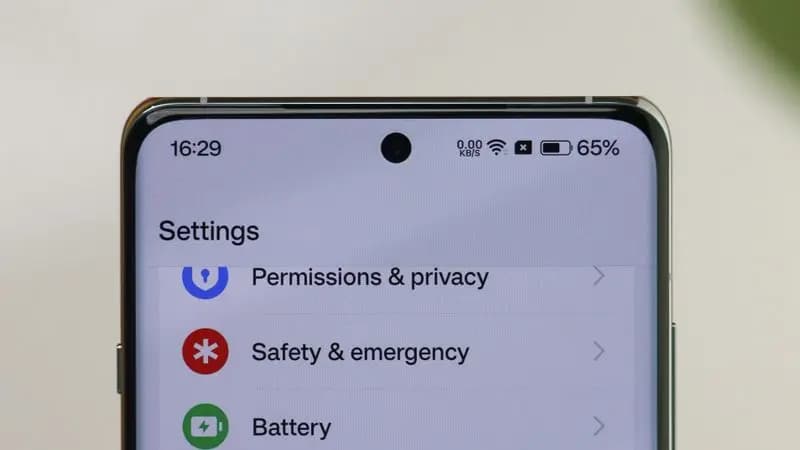
Cyber Nova AI helps you prepare for Cyber Essentials. It doesn't award or certify it. Follow the steps here to get ready, then apply for certification through an accredited Cyber Essentials body when you're set.
What app permissions are
Permissions are requests from apps to access hardware or data on your phone. When you install an app, it may ask for permissions at install time or the first time it needs them. Android 6.0 and later uses a runtime permission model; apps must ask each time, and you can revoke access at any time.
3 steps
High-risk permissions to be cautious about
Some permissions give apps significant access to your private information. Think carefully before granting these:
6 steps
How to review and change permissions
You can review all permissions at any time from Settings:
4 steps
Quick reference: common permissions explained
A summary of what common permissions actually do:
6 steps
Track your Android security progress. Free.
Create a free account to tick off tasks, see your Security Score improve, and know exactly what you've done and what's still to do.
Start your free security check