Notification privacy on Android
Notifications on your lock screen can reveal sensitive information (banking alerts, private messages, verification codes) to anyone who glances at your phone. These settings let you control what appears without disabling notifications entirely.
Reading is great. Tracking makes it stick. Sign up for a free Dashboard to tick off tasks and see your Security Score.
Get my free Dashboard →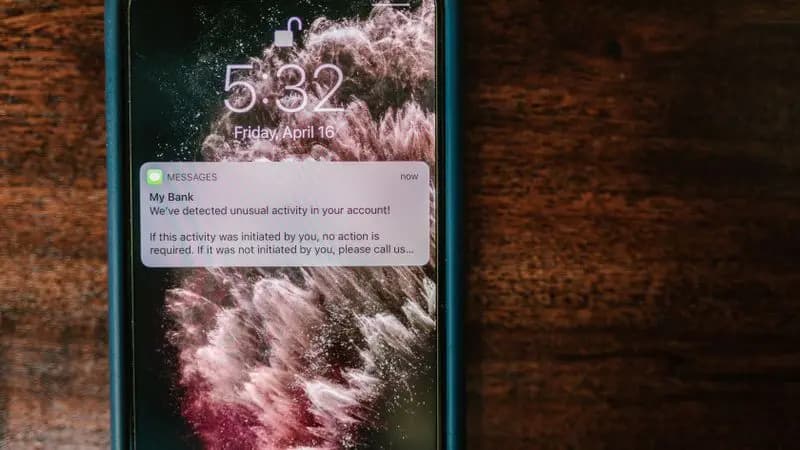
Cyber Nova AI helps you prepare for Cyber Essentials. It doesn't award or certify it. Follow the steps here to get ready, then apply for certification through an accredited Cyber Essentials body when you're set.
Lock screen notification settings
The main control for lock screen notifications is in Settings:
5 steps
Per-app notification content settings
You can override the global setting for individual apps that contain particularly sensitive information:
4 steps
One-time password (OTP) notifications
Two-factor authentication codes sent by SMS are particularly sensitive: if someone can see them on your lock screen, they do not need your password:
4 steps
Track your Android security progress. Free.
Create a free account to tick off tasks, see your Security Score improve, and know exactly what you've done and what's still to do.
Start your free security check