Keeping Android up to date
Keeping your Android phone updated is the single highest-impact security action you can take. Software updates patch known vulnerabilities that attackers actively exploit. This guide shows you how to check for updates, enable automatic updates, and what to do if your device no longer receives them.
Reading is great. Tracking makes it stick. Sign up for a free Dashboard to tick off tasks and see your Security Score.
Get my free Dashboard →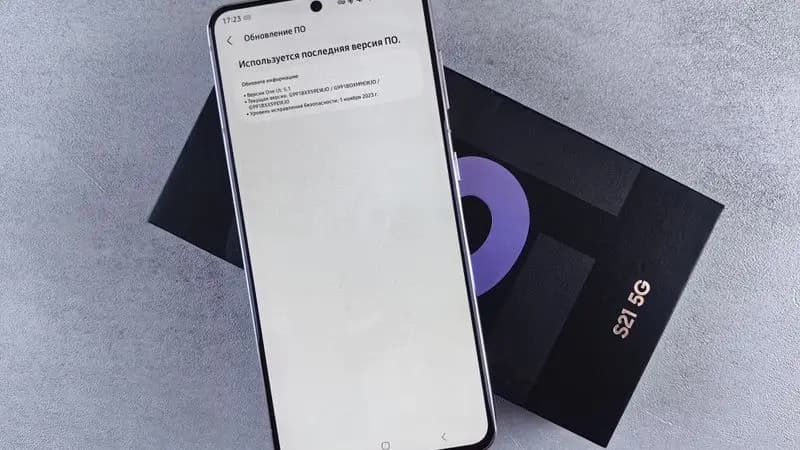
Cyber Nova AI helps you prepare for Cyber Essentials. It doesn't award or certify it. Follow the steps here to get ready, then apply for certification through an accredited Cyber Essentials body when you're set.
Why updates matter more than anything else
Every month, Android releases security patches that fix vulnerabilities discovered in the previous month. Attackers routinely scan for devices running older software and exploit these known weaknesses. A phone running a six-month-old security patch has dozens of publicly known vulnerabilities that have already been exploited in the wild.
3 steps
Checking for Android system updates
How to check your current version and download pending updates:
4 steps
Enabling automatic updates
Set your phone to download and install updates automatically:
4 steps
If your device no longer receives updates
Android manufacturers typically provide security updates for 3–5 years. After that, your device stops receiving patches. This is a significant security risk:
4 steps
Track your Android security progress. Free.
Create a free account to tick off tasks, see your Security Score improve, and know exactly what you've done and what's still to do.
Start your free security check