Using a VPN on Android
A VPN (Virtual Private Network) encrypts your internet traffic and routes it through a secure server, protecting your data on public Wi-Fi and reducing tracking. This guide explains what a VPN does, when you need one, and how to set it up on Android.
Reading is great. Tracking makes it stick. Sign up for a free Dashboard to tick off tasks and see your Security Score.
Get my free Dashboard →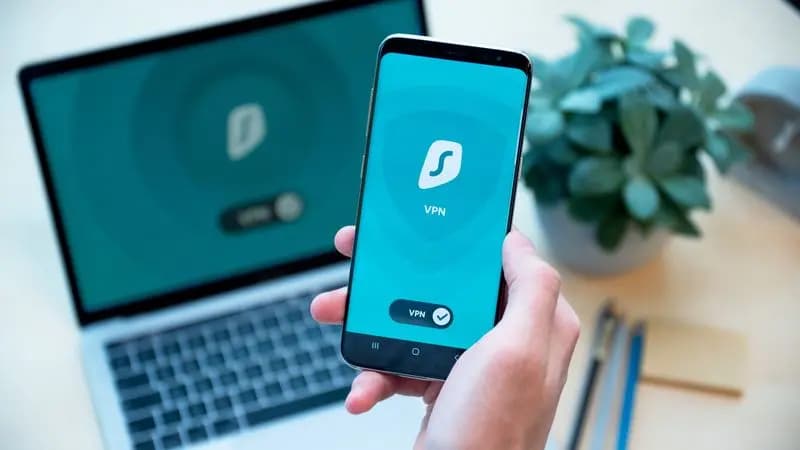
Cyber Nova AI helps you prepare for Cyber Essentials. It doesn't award or certify it. Follow the steps here to get ready, then apply for certification through an accredited Cyber Essentials body when you're set.
What a VPN does, and what it does not
A VPN encrypts your internet connection so that anyone intercepting your traffic (for example, on public Wi-Fi) cannot read it. It also hides your IP address from the websites you visit, making it harder to track your location and browsing. However, a VPN is not a complete security solution:
4 steps
When you need a VPN
A VPN is most valuable in these situations:
5 steps
Choosing a VPN for Android
With hundreds of VPN apps available, the choice matters. Look for these qualities:
6 steps
Setting up a VPN on Android
Most VPN providers offer an Android app. The process is usually straightforward:
6 steps
Track your Android security progress. Free.
Create a free account to tick off tasks, see your Security Score improve, and know exactly what you've done and what's still to do.
Start your free security check