How to review which apps have access to your Google account
Apps you connected years ago may still have access to your email, calendar, or contacts. Revoking access from unused apps reduces your exposure if those apps are ever compromised.
Track every step. Sign up free to tick off tasks and see your Security Score improve.
Get my free Dashboard →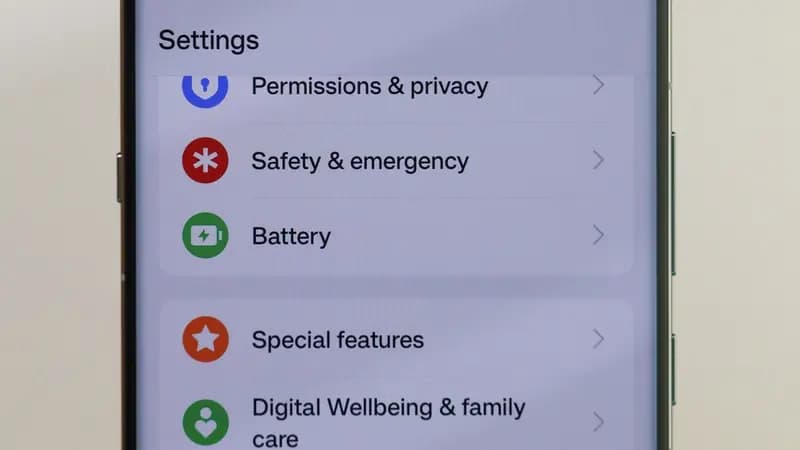
Cyber Nova AI helps you prepare for Cyber Essentials. It doesn't award or certify it. Follow the steps here to get ready, then apply for certification through an accredited Cyber Essentials body when you're set.
Steps
Open the Settings app and tap Google.
Tap Manage your Google Account.
Tap the Security tab.
Scroll down to "Your connections to third-party apps and services" and tap it.
This shows every app and service that has been granted access to your Google account.
Tap any app you want to review to see exactly what access it has.
Tap Delete all connections or select specific permissions to remove access from apps you no longer use or recognise.
How to confirm it worked
- Removed apps no longer appear in your connected apps list.
- The apps will lose access to your Google data immediately.
Troubleshooting
- I do not recognise an app in the list.
- If you cannot identify an app and did not intentionally connect it, revoke its access. You can always reconnect it later if needed.
Track your security progress. Free.
Create a free account to tick off tasks, see your Security Score improve, and know exactly what you've done and what's still to do.
Start your free security check