How to review your social media privacy settings
Reading is great. Tracking makes it stick. Sign up for a free Dashboard to tick off tasks and see your Security Score.
Get my free Dashboard →Cyber Nova AI helps you prepare for Cyber Essentials. It doesn't award or certify it. Follow the steps here to get ready, then apply for certification through an accredited Cyber Essentials body when you're set.
About 30 minutes to complete
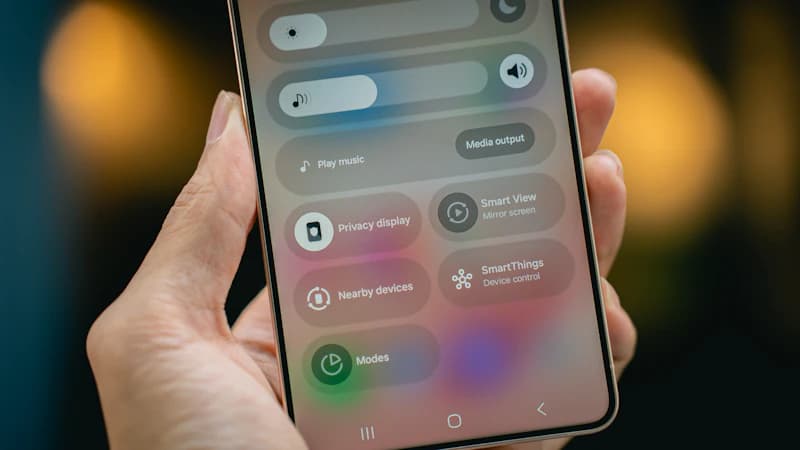
Check who can see your posts, your location and your personal details on each account. A fully public profile hands anyone who's targeting you the raw material to do it convincingly.
Step-by-step guide
5 steps
Why this matters
A public profile gives away your full name, your location, your employer, your birthday and your contact details. That is enough to impersonate you, or to write you a phishing message convincing enough that you act on it. If you run a business, it goes further: an attacker who knows your role, your colleagues and your suppliers can write an email that looks exactly like an internal one, which is how invoice fraud starts. Most profiles were set up years ago and have never been looked at since.
How to confirm it worked
- The setting is saved and active on your device
- You have tested it works before closing the page
Tick this task off in your Dashboard to update your Security Score.
Worth repeating. This is not a one-and-done task. Revisit it every 3–6 months to keep your protection current.
Related security tasks
Track your security score for free
Create a free Cyber Nova AI account to tick off tasks like this one, see your Security Score, and stay on top of what you've done and what's still to do.
Start your free security check