Windows Hello: PIN and biometrics
Windows Hello lets you sign in with a PIN, a fingerprint, or your face instead of typing a password. It sounds less secure. It's actually more secure.
Reading is great. Tracking makes it stick. Sign up for a free Dashboard to tick off tasks and see your Security Score.
Get my free Dashboard →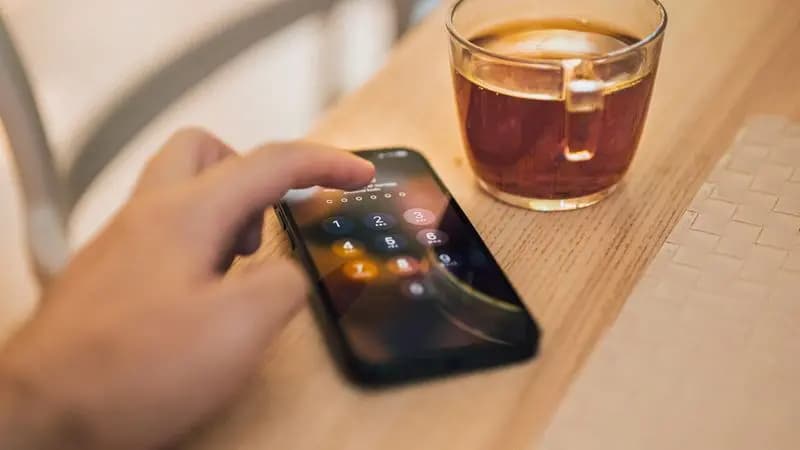
Cyber Nova AI helps you prepare for Cyber Essentials. It doesn't award or certify it. Follow the steps here to get ready, then apply for certification through an accredited Cyber Essentials body when you're set.
Why a PIN beats a password
Your Windows Hello PIN is tied to that one device and stored only on it. It never travels to a server, so it can't be stolen in a data breach the way a password can. Even if someone learns your PIN, it's useless without your physical PC.
Set one up
Go to Settings > Accounts > Sign-in options. Under Windows Hello, set up a PIN as a minimum. If your device has a fingerprint reader or camera, add those too. They're quick and convenient.
Keep your password as well
Don't remove your Microsoft account password. Windows Hello sits on top of it for day-to-day sign-in; the password is still there as a backup and for signing in elsewhere.
Track your Windows security progress. Free.
Create a free account to tick off tasks, see your Security Score improve, and know exactly what you've done and what's still to do.
Start your free security check