How to set up two-factor authentication on your email
Reading is great. Tracking makes it stick. Sign up for a free Dashboard to tick off tasks and see your Security Score.
Get my free Dashboard →Cyber Nova AI helps you prepare for Cyber Essentials. It doesn't award or certify it. Follow the steps here to get ready, then apply for certification through an accredited Cyber Essentials body when you're set.
About 10 minutes to complete
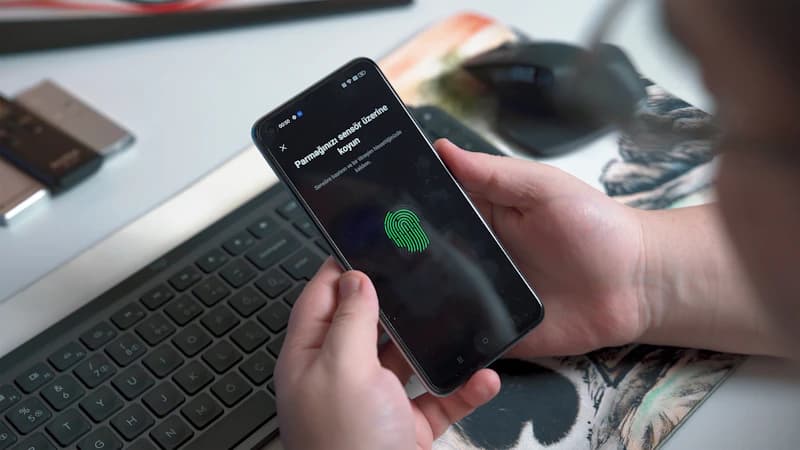
Add two-factor authentication (2FA) to your email account so a password alone is not enough to get in.
Step-by-step guide
5 steps
Why this matters
Your email is the master key to your online accounts. If someone gets into it, they can reset every other password. 2FA stops this even if your password is stolen.
How to confirm it worked
- The setting is saved and active on your device
- You have tested it works before closing the page
Tick this task off in your Dashboard to update your Security Score.
Frequently asked questions
What is two-factor authentication?
Two-factor authentication (often called 2FA or two-step verification) means you need two things to log in: your password and a second check, usually a code sent to your phone or generated by an app. Even if someone steals your password, they cannot get into your account without that second code.
Is text message 2FA safe enough?
Text message codes are much safer than no 2FA at all. However, an authenticator app (such as Google Authenticator or Microsoft Authenticator) is more secure because codes are generated on your device and cannot be intercepted by someone who takes over your phone number. Use SMS if it is all that is offered; switch to an app when you can.
What if I lose my phone after setting up 2FA?
When you set up two-factor authentication, you are given a set of one-time recovery codes. Save these somewhere safe: printed out, or in a password manager. They allow you to get back into your account without your phone.
Which accounts should I add two-factor authentication to?
Start with your email: it is the most important because anyone inside it can reset every other password you own. Then add it to your bank, social media, and any account that contains personal or financial information.
Want a device-specific walkthrough?
Need step-by-step instructions? How to turn on two-step verification for your Google account on Android →
Related security tasks
Track your security score for free
Create a free Cyber Nova AI account to tick off tasks like this one, see your Security Score, and stay on top of what you've done and what's still to do.
Start your free security check