How to use an app for your login codes instead of texts. It's more secure
Reading is great. Tracking makes it stick. Sign up for a free Dashboard to tick off tasks and see your Security Score.
Get my free Dashboard →Cyber Nova AI helps you prepare for Cyber Essentials. It doesn't award or certify it. Follow the steps here to get ready, then apply for certification through an accredited Cyber Essentials body when you're set.
About 20 minutes to complete
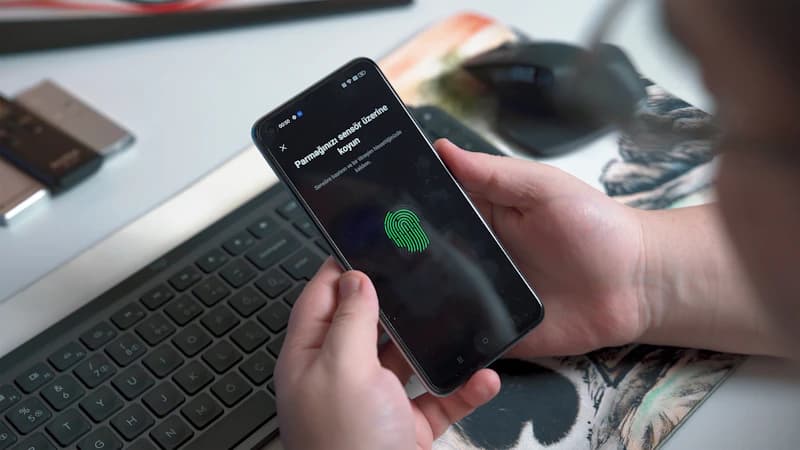
Replace text message login codes with a free app such as Google Authenticator on your most important accounts. App-generated codes are more secure because they cannot be stolen, even if someone takes over your phone number.
Step-by-step guide
5 steps
Why this matters
Text message codes can be intercepted by attackers who convince your mobile provider to transfer your phone number to a SIM card they control, a scam that is increasingly common in the UK. An authenticator app generates codes on your device only, so intercepting your SMS is no longer enough to break into your accounts.
How to confirm it worked
- The setting is saved and active on your device
- You have tested it works before closing the page
Tick this task off in your Dashboard to update your Security Score.
Need step-by-step instructions? How to set up an authenticator app on Android →
Related security tasks
Track your security score for free
Create a free Cyber Nova AI account to tick off tasks like this one, see your Security Score, and stay on top of what you've done and what's still to do.
Start your free security check