Use iCloud Keychain or a password manager
Reusing the same password across sites is the most common way accounts get taken over. A password manager solves it by making a strong, unique password for each one, so you only remember your phone's passcode.
Reading is great. Tracking makes it stick. Sign up for a free Dashboard to tick off tasks and see your Security Score.
Get my free Dashboard →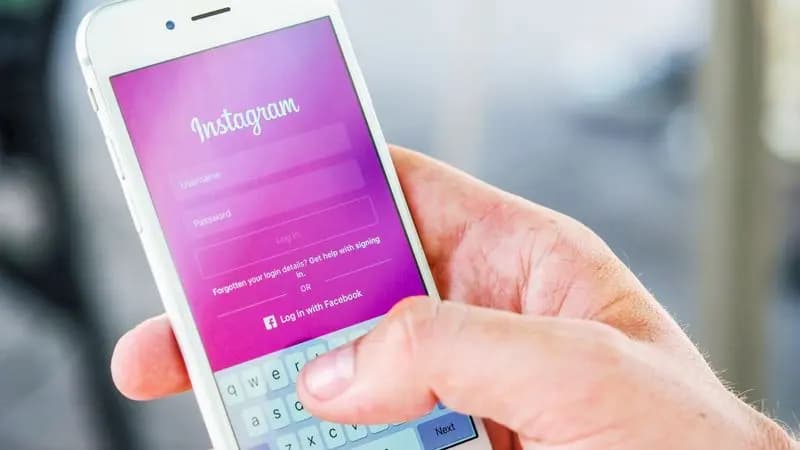
Cyber Nova AI helps you prepare for Cyber Essentials. It doesn't award or certify it. Follow the steps here to get ready, then apply for certification through an accredited Cyber Essentials body when you're set.
Built in: iCloud Keychain
Your iPhone already has this. When you sign up or change a password in Safari or an app, it offers a strong one and saves it, syncing securely to your other Apple devices. Check it's on under Settings, then your name, then iCloud, then Passwords and Keychain. Your saved logins live under Settings, then Passwords, protected by Face ID.
Or a dedicated manager
If you use non-Apple devices too, or share logins with family, an app such as Bitwarden (free) or 1Password works everywhere. Either is a big improvement on reused passwords.
Start with the important accounts
Update the reused passwords on your key accounts first, email and banking, using the generator to make each new one strong. iCloud Keychain also flags passwords that have turned up in known leaks, which is a handy prompt to change them.
Track your iPhone security progress. Free.
Create a free account to tick off tasks, see your Security Score improve, and know exactly what you've done and what's still to do.
Start your free security check