Remove apps you don't use
Apps you installed once and forgot still sit in the background, keep permissions, and occasionally receive updates. Clearing out the ones you don't use is a simple bit of housekeeping that improves both privacy and security.
Reading is great. Tracking makes it stick. Sign up for a free Dashboard to tick off tasks and see your Security Score.
Get my free Dashboard →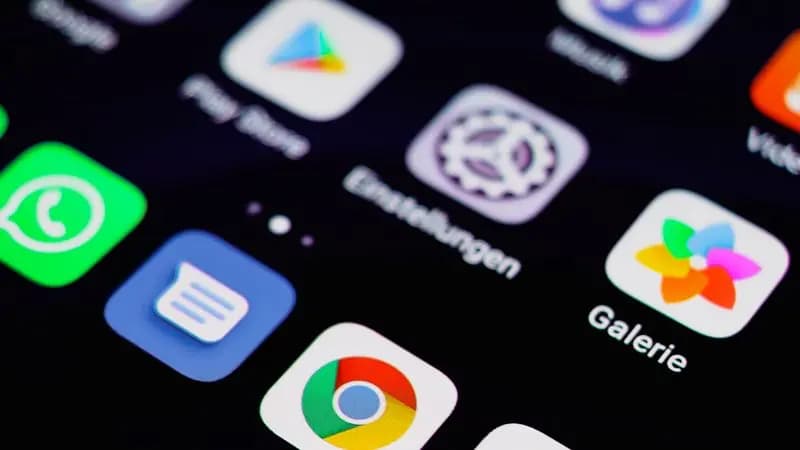
Cyber Nova AI helps you prepare for Cyber Essentials. It doesn't award or certify it. Follow the steps here to get ready, then apply for certification through an accredited Cyber Essentials body when you're set.
Do a quick sweep
Look through your Home Screen and App Library for anything you haven't opened in months. If you don't recognise an app or can't remember installing it, that's a good reason to remove it.
How to remove one
Touch and hold the app, then tap Remove App, then Delete App. If you might want it back, Offload App removes the app but keeps its data, which you can reinstall later.
Check what's left can see
For the apps you keep, it's worth a quick pass through their permissions (see the app permissions guide). Fewer apps, each with only the access it needs, is a tidy and safer phone.
Track your iPhone security progress. Free.
Create a free account to tick off tasks, see your Security Score improve, and know exactly what you've done and what's still to do.
Start your free security check