How to review and reduce app permissions on your phone
Reading is great. Tracking makes it stick. Sign up for a free Dashboard to tick off tasks and see your Security Score.
Get my free Dashboard →Cyber Nova AI helps you prepare for Cyber Essentials. It doesn't award or certify it. Follow the steps here to get ready, then apply for certification through an accredited Cyber Essentials body when you're set.
About 20 minutes to complete
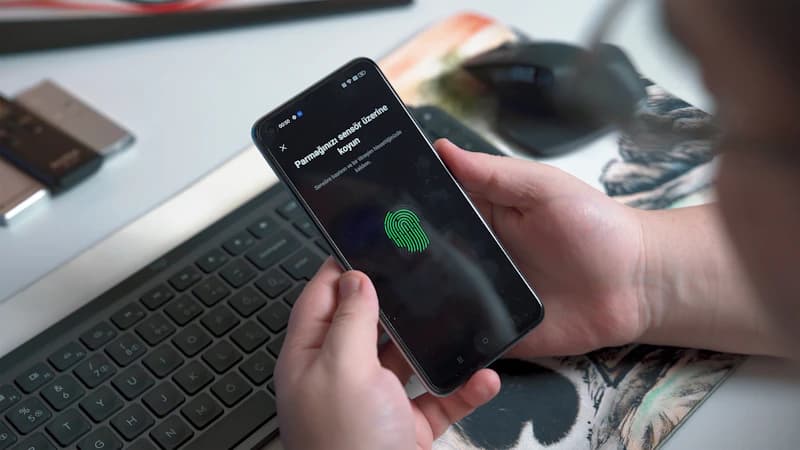
Check which apps have access to your location, camera, microphone, and contacts, and remove any permissions that are not needed. Many apps request more access than they actually need to function.
Step-by-step guide
5 steps
Why this matters
Apps frequently request access to your location, camera, microphone, and contacts, even when those permissions have nothing to do with the app's function. A torch app does not need your location. A game does not need your contacts. Unnecessary permissions create privacy risks and can allow data to be collected and sold without your knowledge. Reviewing permissions takes twenty minutes and is a meaningful improvement.
How to confirm it worked
- The setting is saved and active on your device
- You have tested it works before closing the page
Tick this task off in your Dashboard to update your Security Score.
Want a device-specific walkthrough?
Need step-by-step instructions? How to review app permissions on Android →
Related security tasks
Track your security score for free
Create a free Cyber Nova AI account to tick off tasks like this one, see your Security Score, and stay on top of what you've done and what's still to do.
Start your free security check